Every feature of the event app

You shape EventApp around your event. In the admin panel you switch on only the modules you need and fill them with your own content. The rest stay invisible to attendees. The price is 3,000 PLN net (roughly €700 net) per event and covers every module. You pay nothing extra for individual features or for the number of attendees.

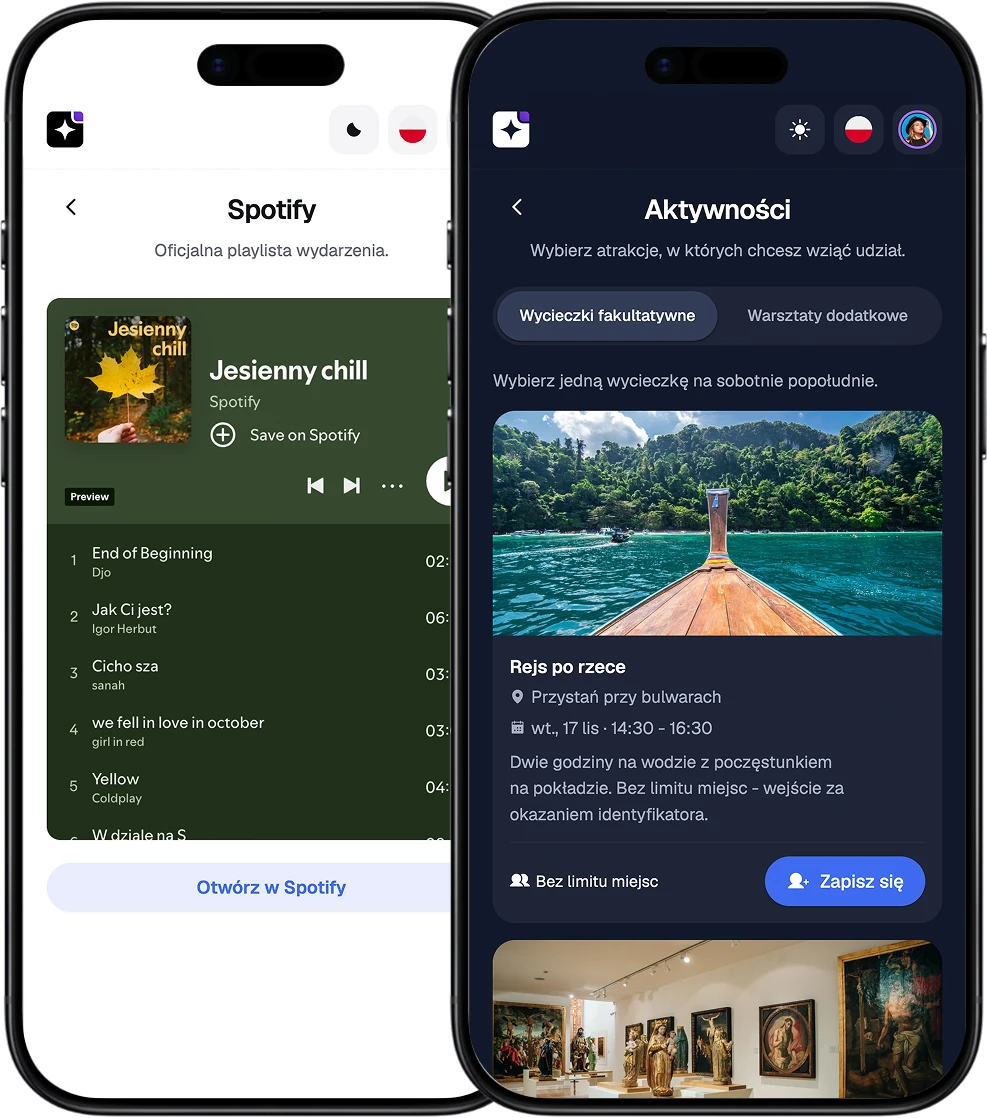
EventApp screens showing the event Spotify playlist and sign-ups for optional trips

Registration and QR check-in

  • Registration form.

    You build a form that fits your event. You choose the questions, which fields are required and how answers are validated.
  • Consents and GDPR clauses.

    You add your own consents and decide which are mandatory. Every consent given is stored directly with the attendee's profile.
  • Invitations and guest list.

    You upload the guest list before registration opens. For each invitation you see the send status and check which messages did not arrive.
  • Attendee categories.

    You assign categories such as VIP, speaker, sponsor or crew. That keeps the guest list organized and makes the groups easy to tell apart.
  • QR check-in.

    You scan QR codes with an ordinary phone and record entry to the event. A separate check-in can also be switched on for chosen agenda items and activities.
EventApp screens showing a QR check-in code and a confirmed attendance status

Agenda, speakers and custom pages

  • Event agenda.

    You build the program from talks, workshops and breaks, giving each a time and a place. You can schedule several at once and switch on session ratings.
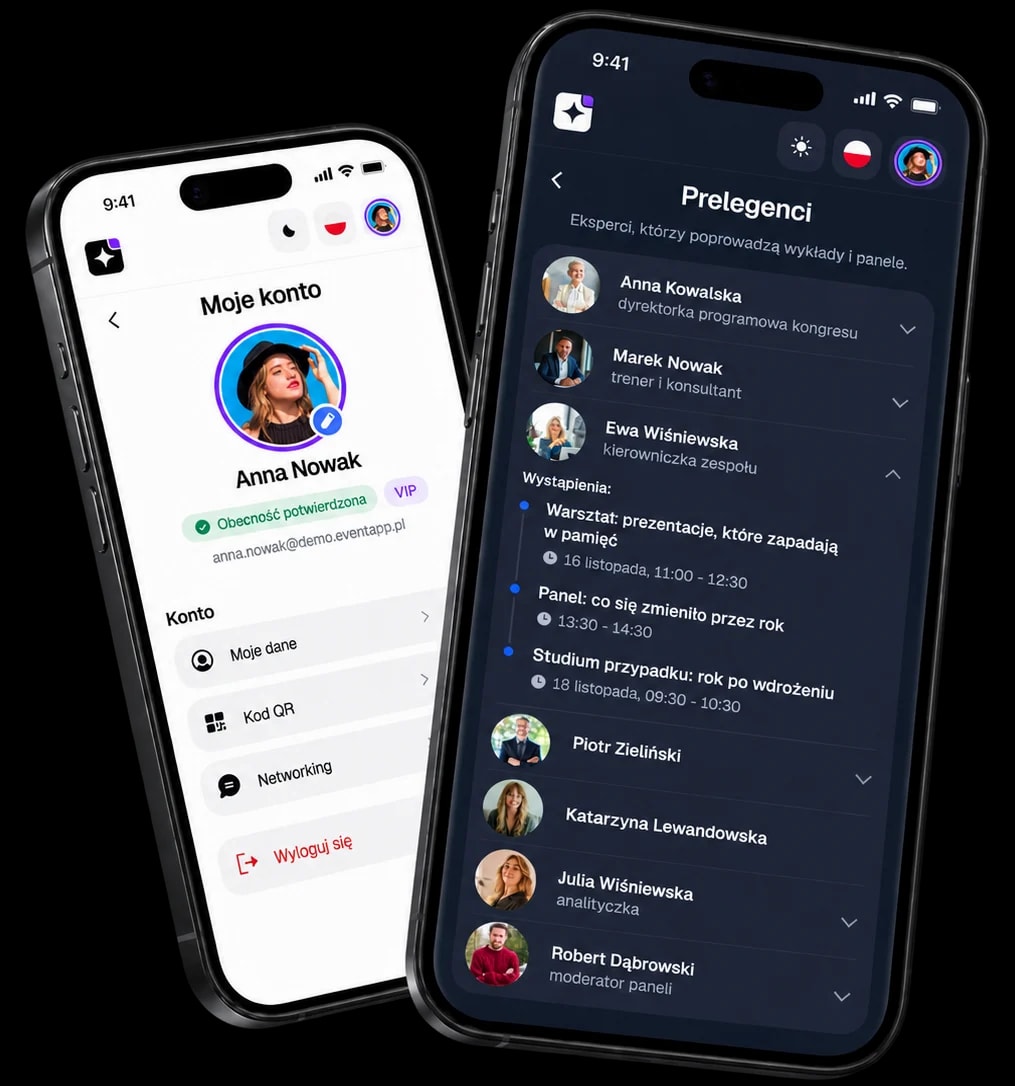
  • Speakers.

    You add speakers to the event and assign them to specific talks, workshops or panels.
  • FAQ.

    You add questions and answers in the order you choose. Inside an answer you can place links leading to the agenda, the terms or the map.
  • Custom pages.

    You create extra pages with your own text and images. You can add them to the app menu or share them through a link.
EventApp screens showing the event agenda and the speaker list

Files, gallery and partners

  • Downloads.

    You share presentations, certificates, terms and other materials with attendees.
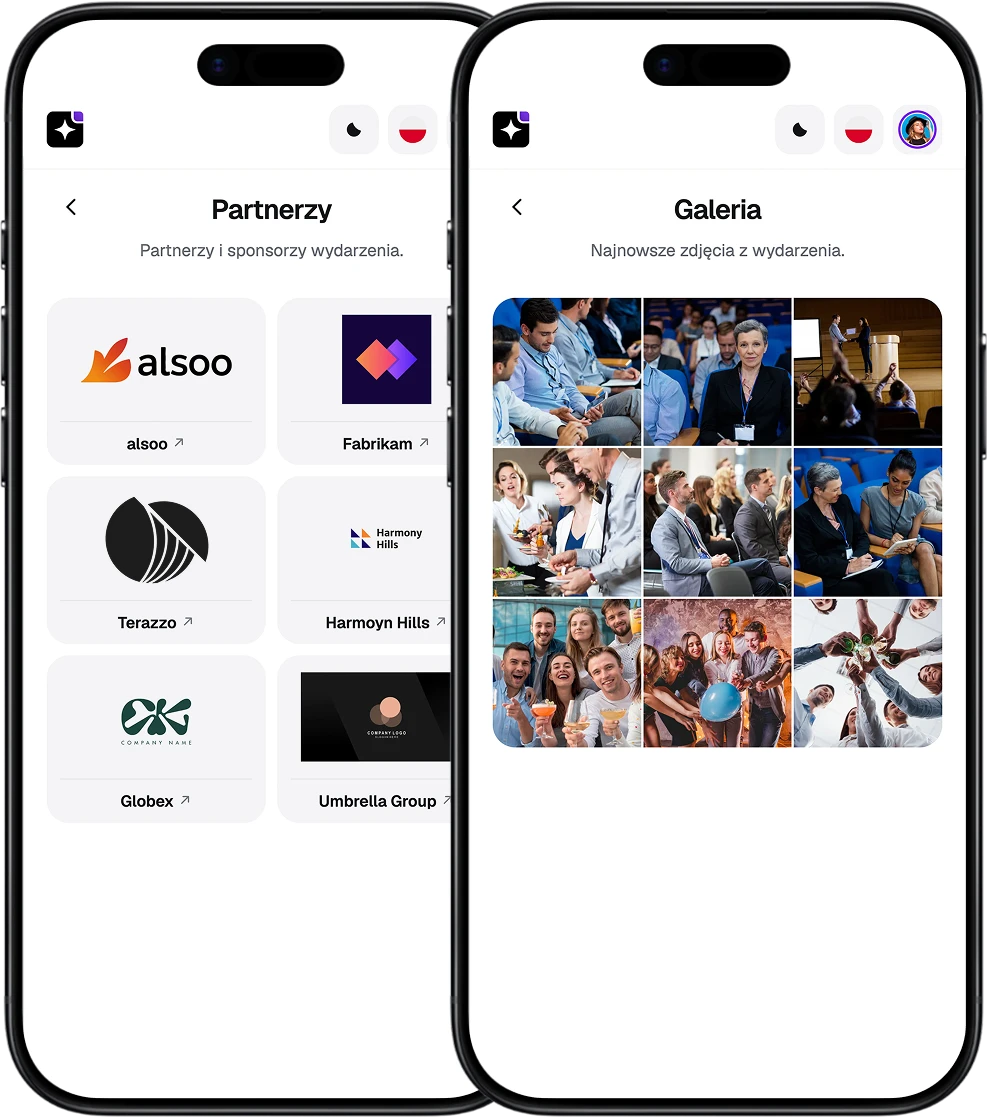
  • Photo gallery.

    You add photos as you go, including during the event.
  • Partners and sponsors.

    You present partners and sponsors with their logos and links to their sites. You set the display order yourself.
EventApp screens showing the photo gallery and the event partners

Directions, hotels and seating
  • Directions.

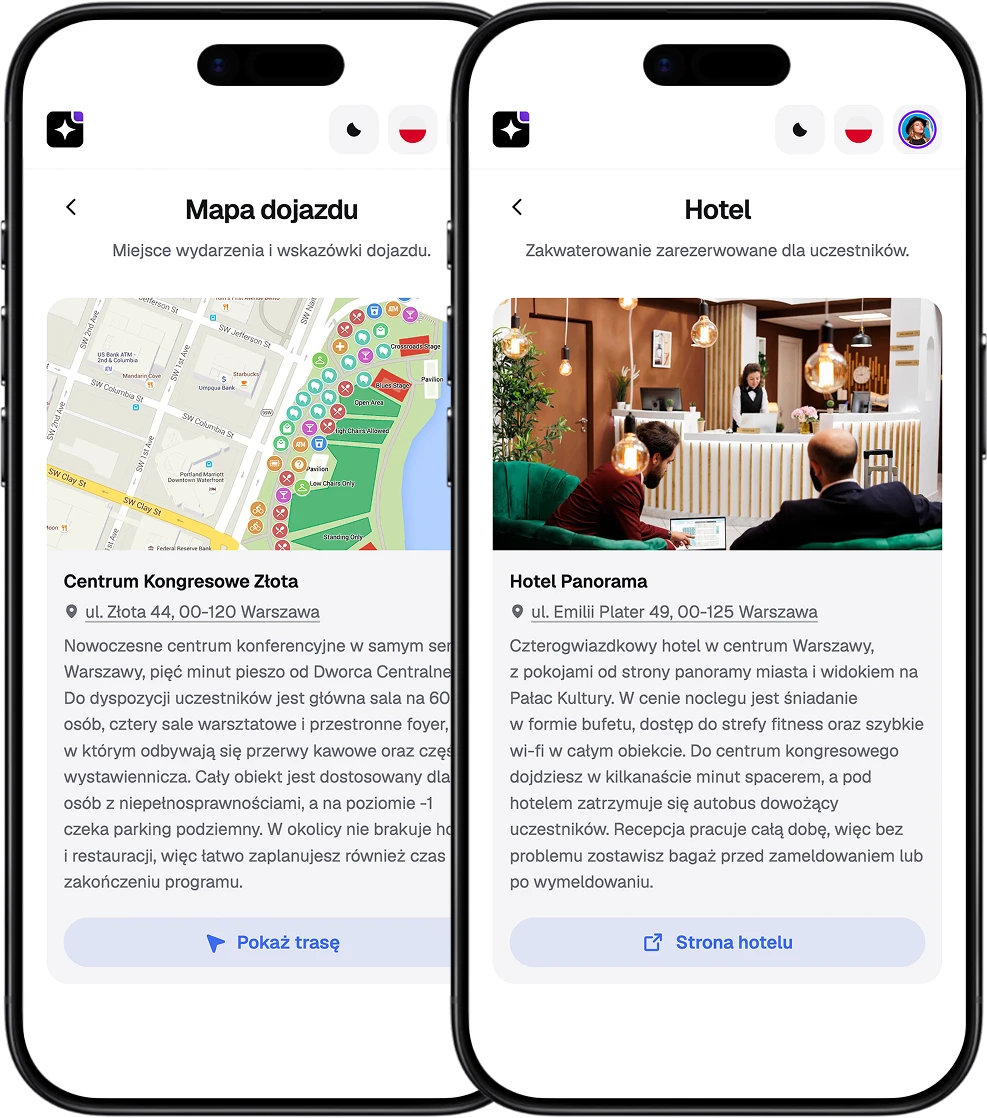
    You add the location on a map or your own graphic with the route. You can also give parking details and the right entrance.
  • Hotels.

    You share information about one or several places to stay. If needed, you can add booking links too.
  • Table seating.

    You assign attendees to tables and decide when their numbers become visible.
  • Activity sign-ups.

    You open sign-ups for workshops, trips and other activities. You set the sign-up rules, the capacity for each date and how many activities an attendee may choose.
EventApp screens showing the travel map and the hotel details

Polls, quizzes and surveys

  • Live polls.

    You open one question at a time during a talk and it appears in the attendees' app straight away. Collect the answers, then open the next. You need no separate tool and no extra QR code.
  • Post-event surveys.

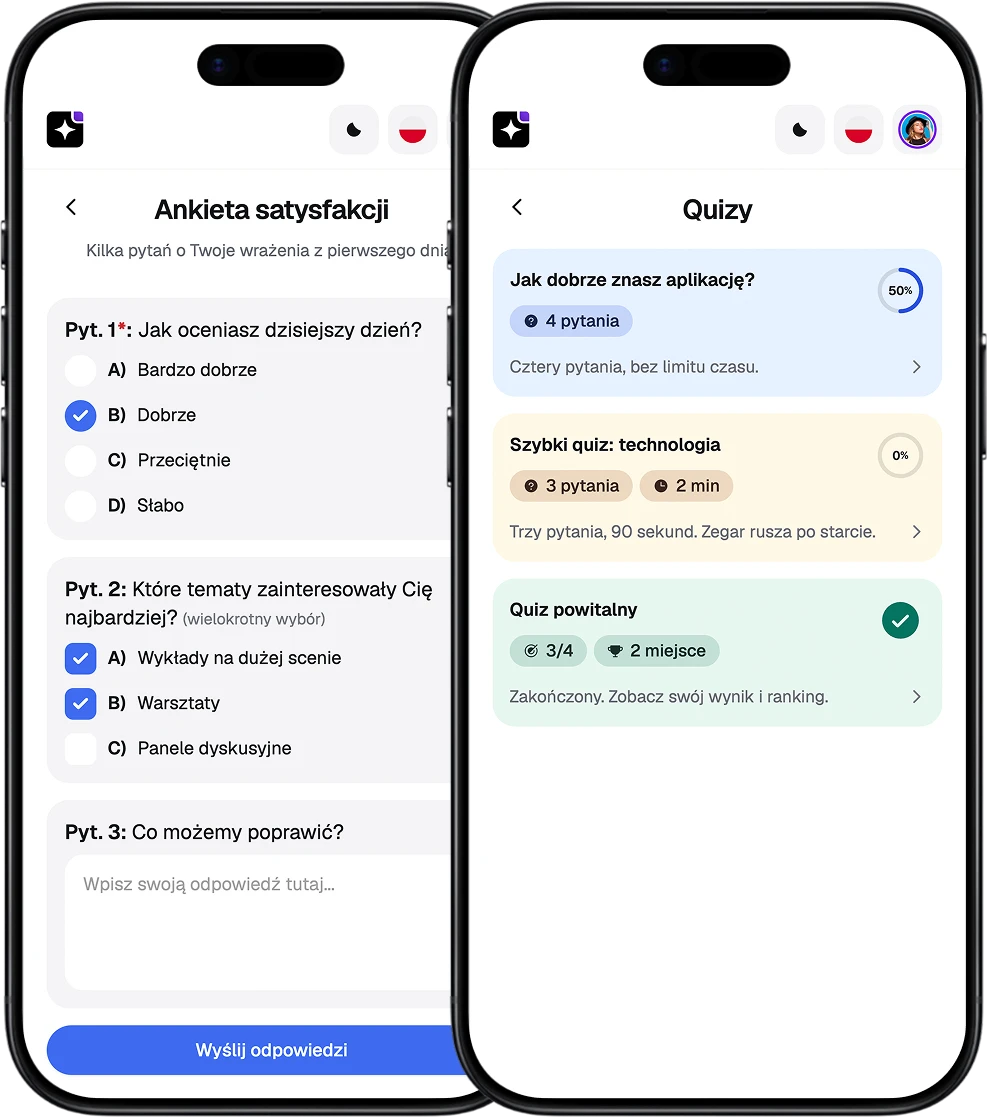
    You collect attendee feedback and decide yourself when the survey is visible.
  • Quiz with a leaderboard.

    You build a scored quiz, set the weight of each question and optionally switch on a leaderboard. Everyone sees their own score either way.
  • Spotify in the app.

    You add a Spotify playlist, album or track that attendees can open directly in Spotify.
EventApp screens showing an attendee survey and the quiz list

Networking and contact

  • Attendee profiles and chat.

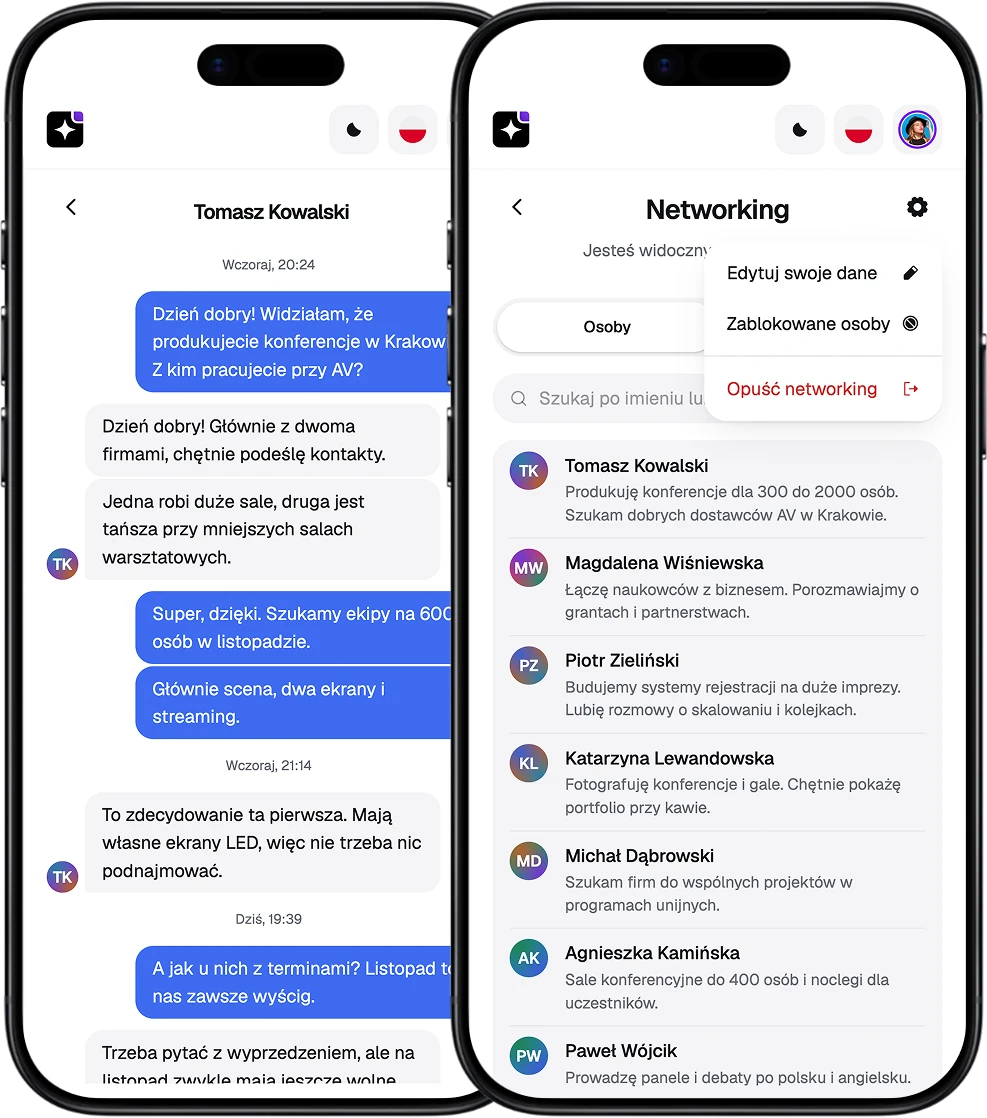
    Attendees can share their profile, search for other people and message them in chat. You decide which information is visible.
  • Contact form.

    You give attendees a contact form that reaches you directly.
EventApp screens showing the contact form and the networking chat

Included in every package

The app opens in a browser and pins to the phone's home screen in one tap, with no app store install. On top of that: language versions, your logo, colors and backgrounds, the admin panel, and no cap on attendees.

Open the EventApp demo and see how it works, live

The full event app running in your browser: agenda, polls, surveys, map, gallery. Click through it the way your attendees will. No sign-up, no install.